Device-level confirmation
Check Razer Synapse supported devices
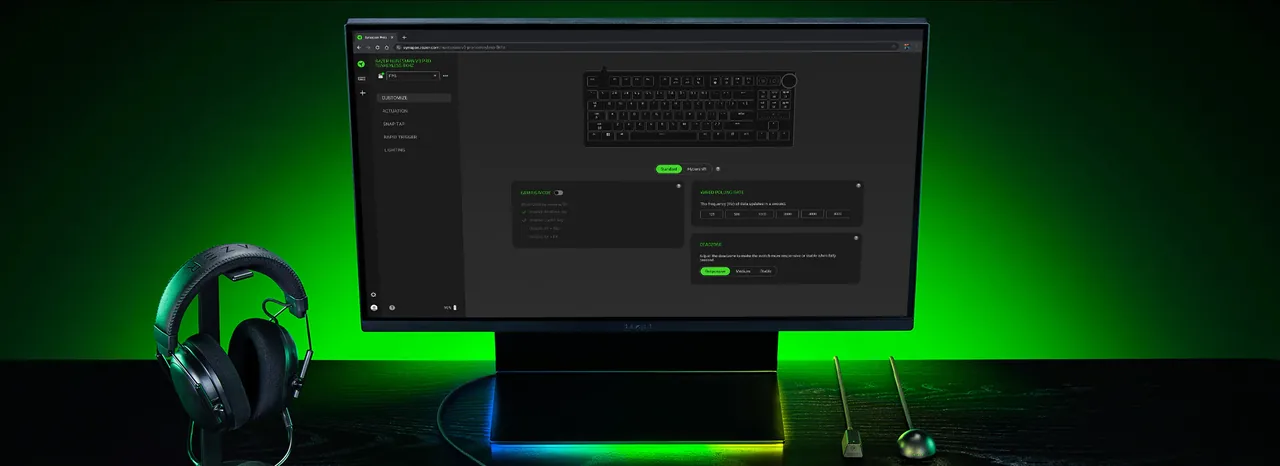
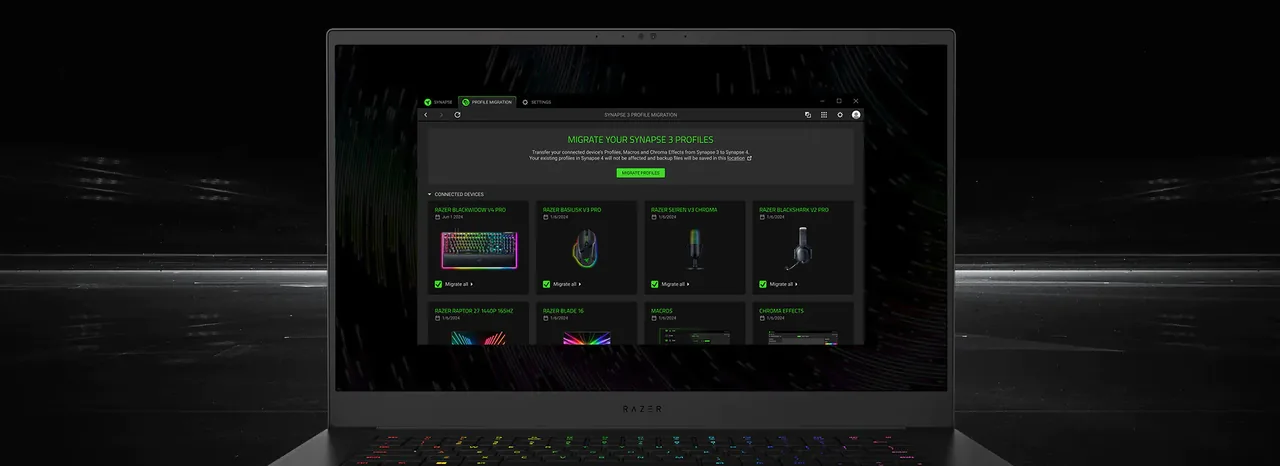
Razer's current Synapse 4 support page groups compatible products into laptops, desktops, PC components, mice, mats, keyboards, headsets and audio, controllers, monitors, broadcaster products, chairs, accessories and gamer-room devices. The official list includes both product names and model identifiers such as RZ01-04630.
Model numbers matter because names such as DeathAdder, Basilisk, BlackWidow and Viper span several generations. Two products from the same family can require different software. Use the finder above for a platform recommendation, then confirm the exact model on the official list before downloading.
- Search the full product name, not only the family name.
- Match the RZ model number when it is printed on the device label.
- For Mac, use Razer's separate and continually expanding Mac supported-device list.
- For Synapse Web, confirm the device on the dedicated browser compatibility page.
Open the Supported Devices Guide
Installer safety
Use the official Razer source
Queries for an offline installer, GDrive copy, torrent, GitHub mirror or random EXE often appear when an ordinary installation fails. Those sources can be stale, modified or unrelated to the required device branch. This site deliberately sends download actions to Razer-owned pages and services.
We do not label a file as safe, scanned, latest or official unless the current first-party page supports that statement. Razer's Synapse 4 page does not expose a simple public version number or file size in its visible product facts, so this guide does not invent either value.
- Do not download a file only because its name resembles RazerSynapseInstaller.exe.
- Avoid disabling antivirus permanently to force an installer to run.
- Confirm Windows architecture, available storage and pending restarts first.
- If a verified Razer link changes, use the linked product page rather than searching for a mirror.